TwoNote
Notes, documents, calculations, diagrams and revision, on one infinite surface. What you write, what you import, what you work out and what you revise from all sit in the same place — on your device, encrypted before any of it syncs.
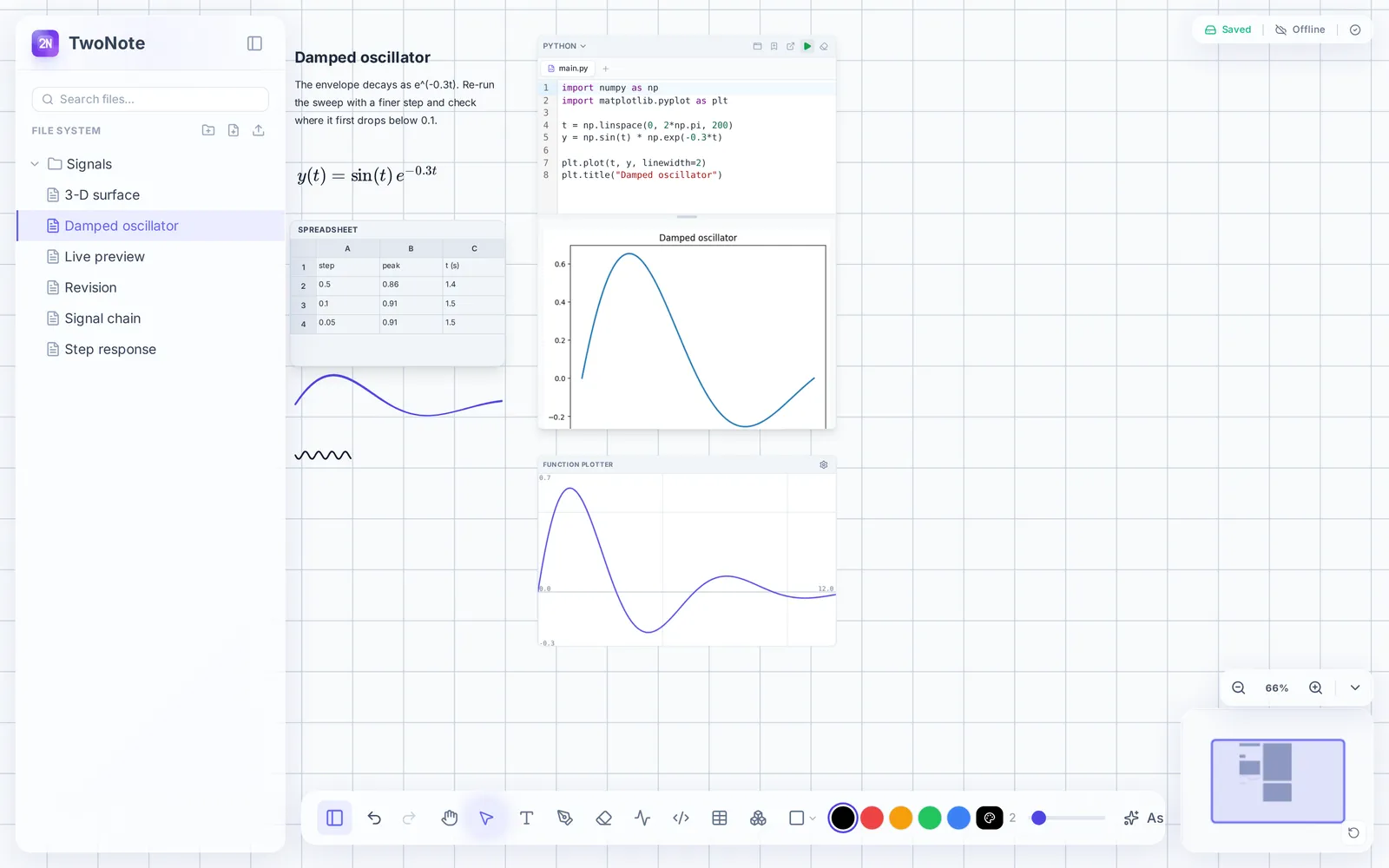
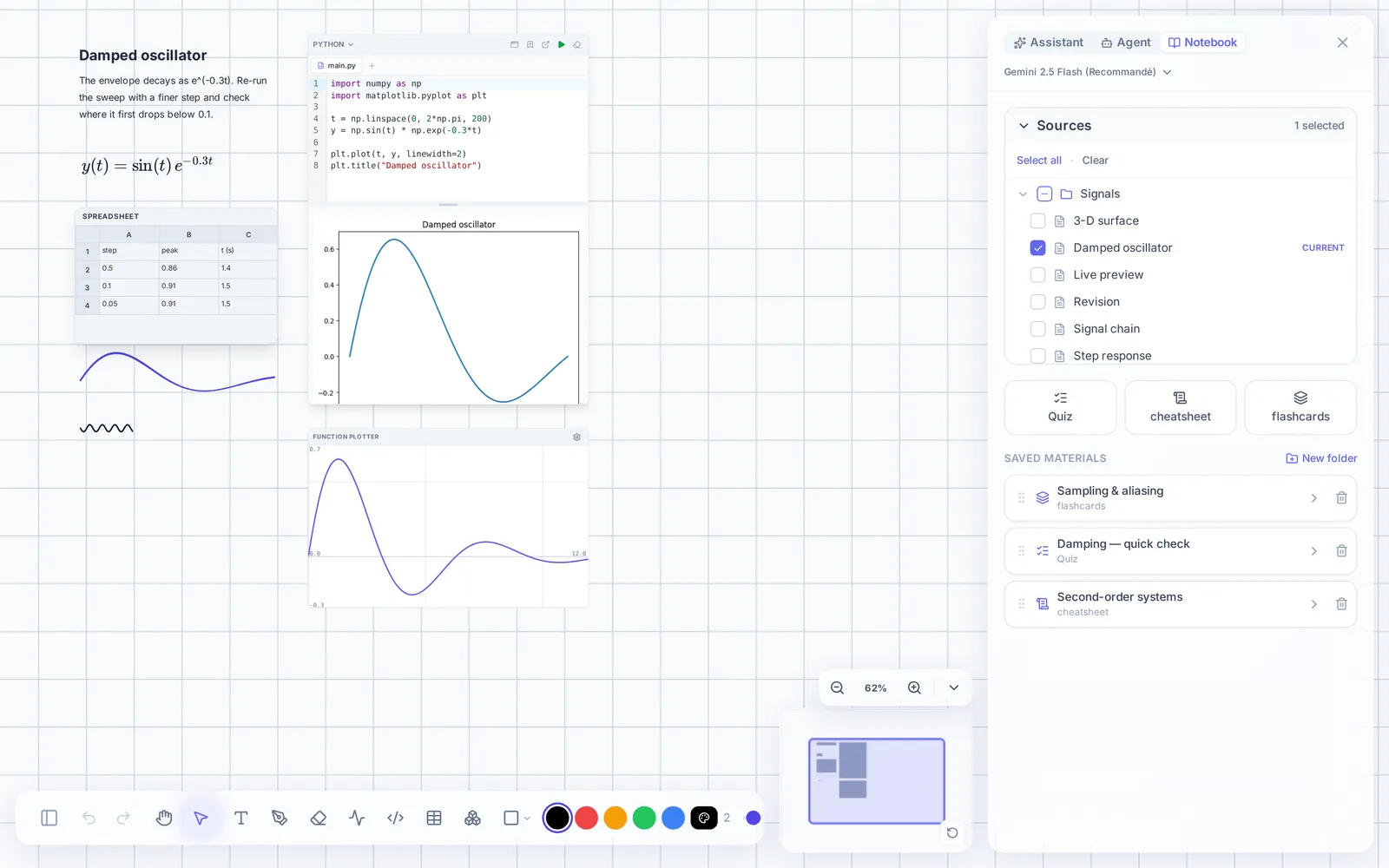
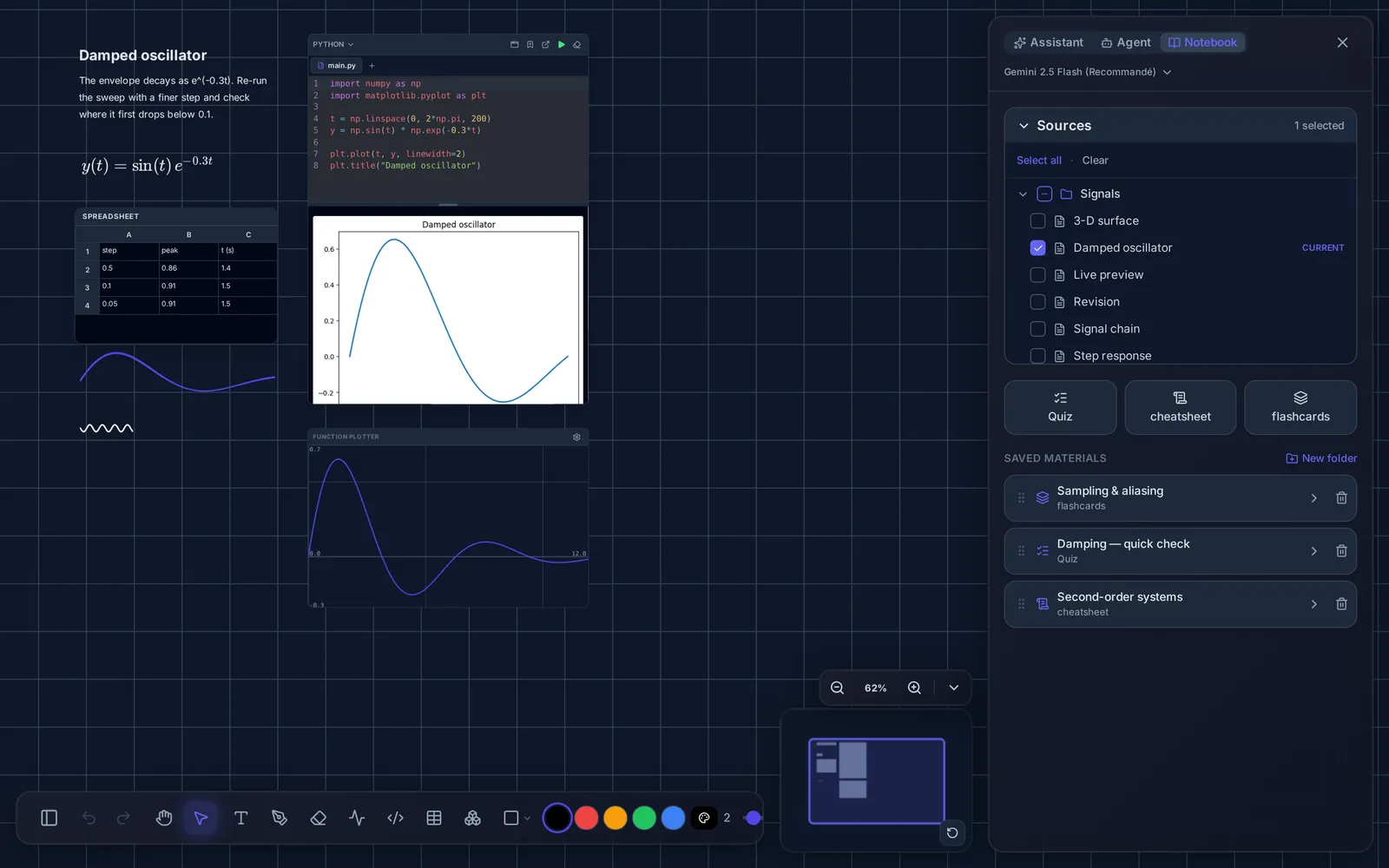
In practice
One board, from the lecture to the hand-in
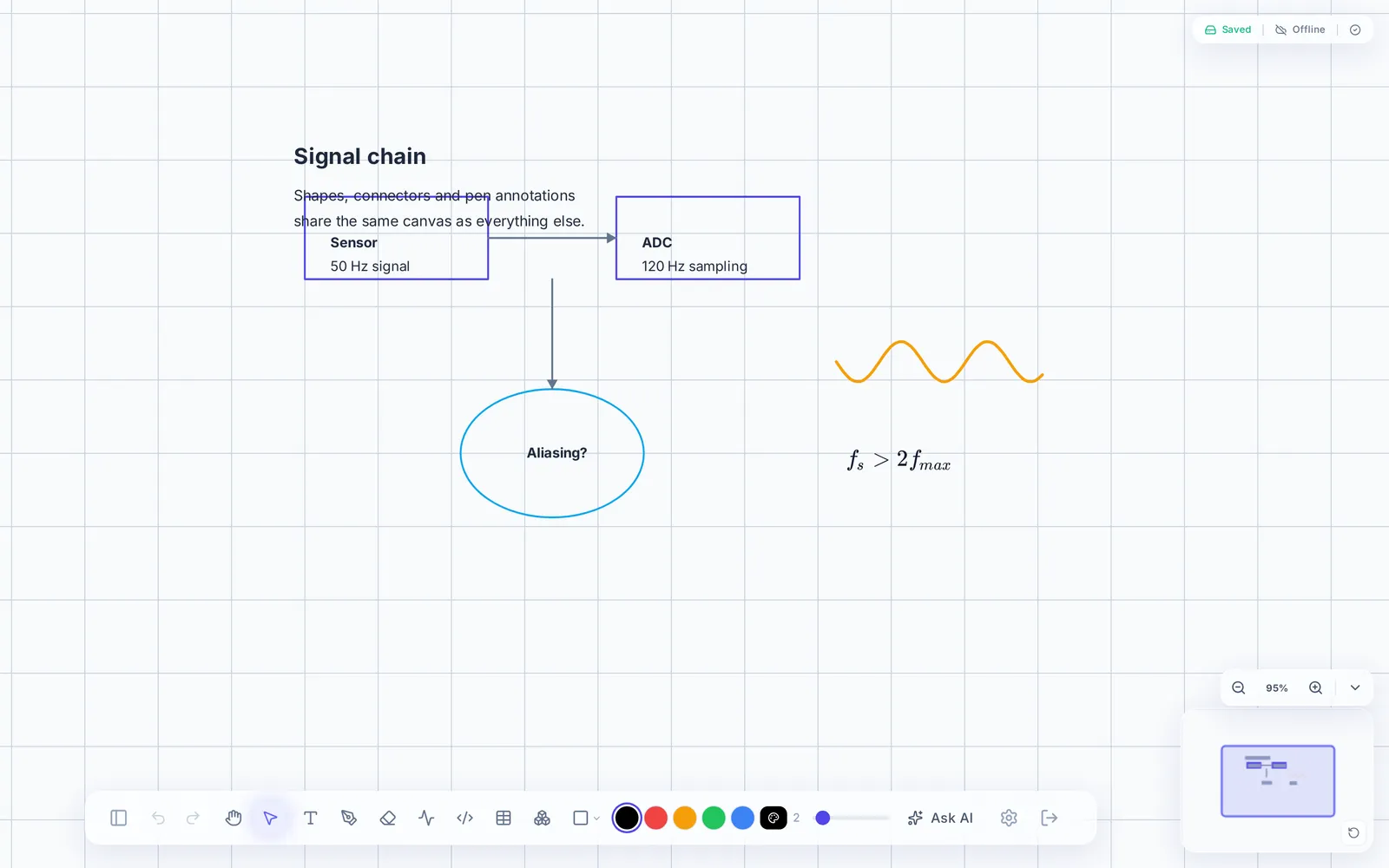
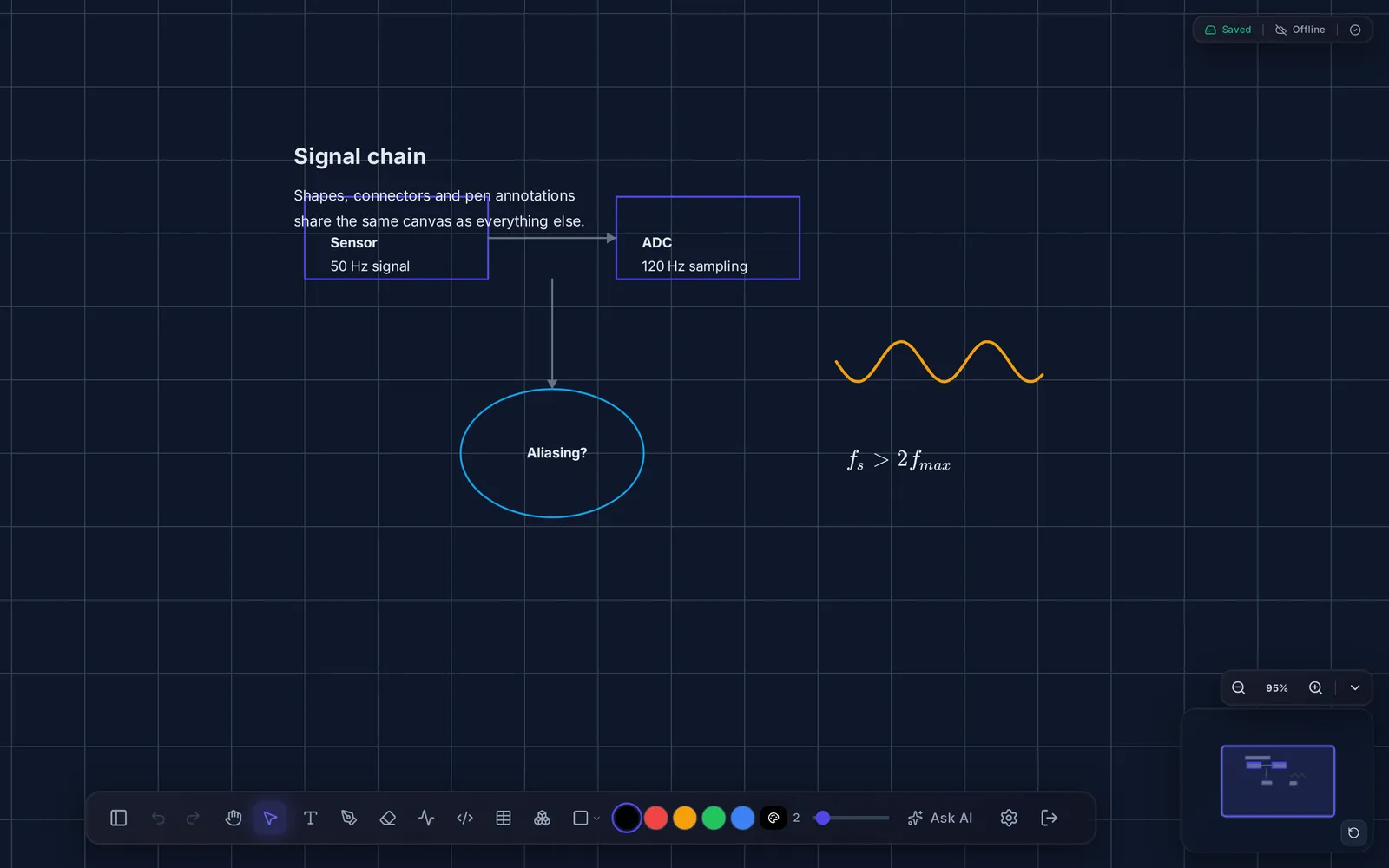
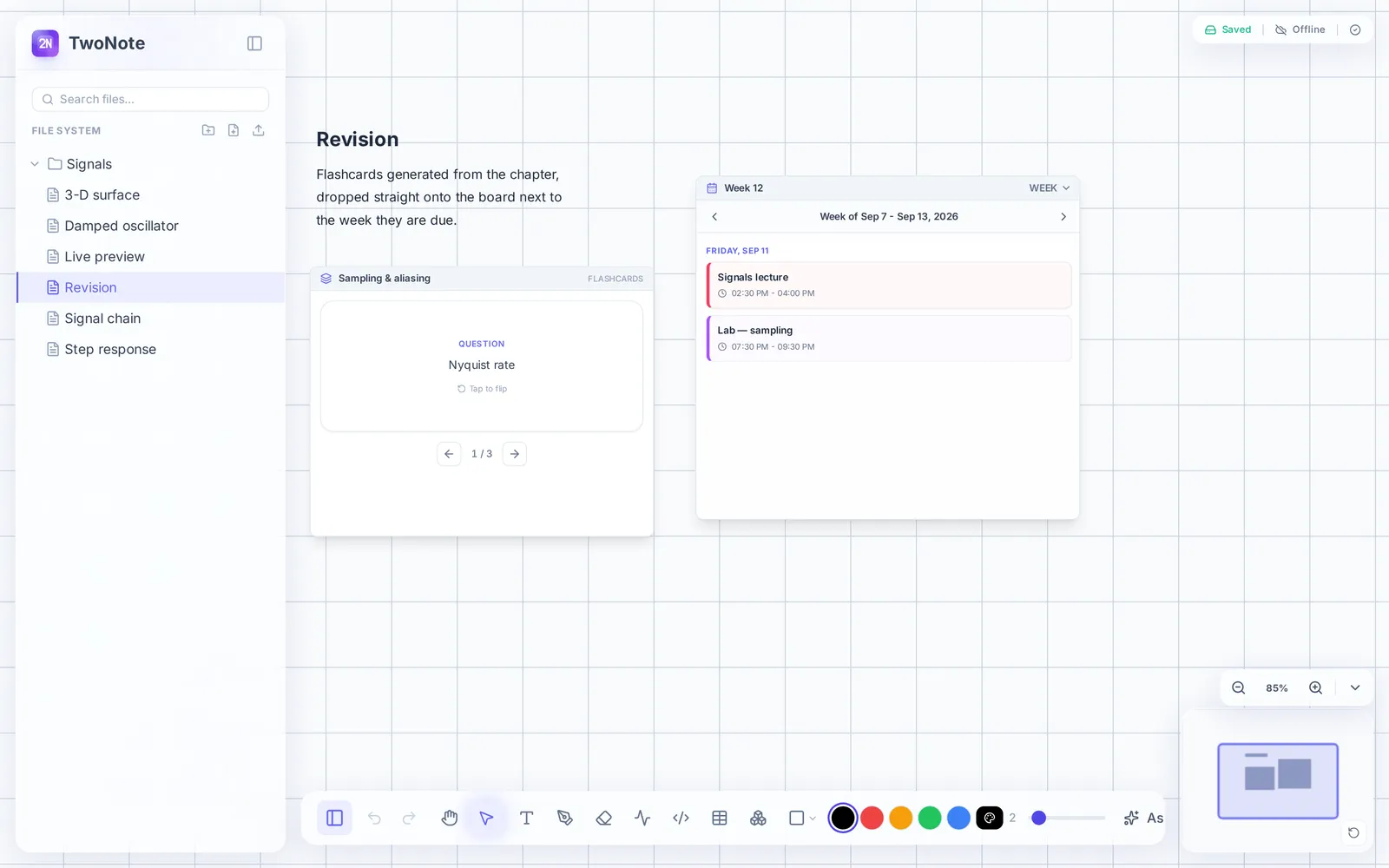
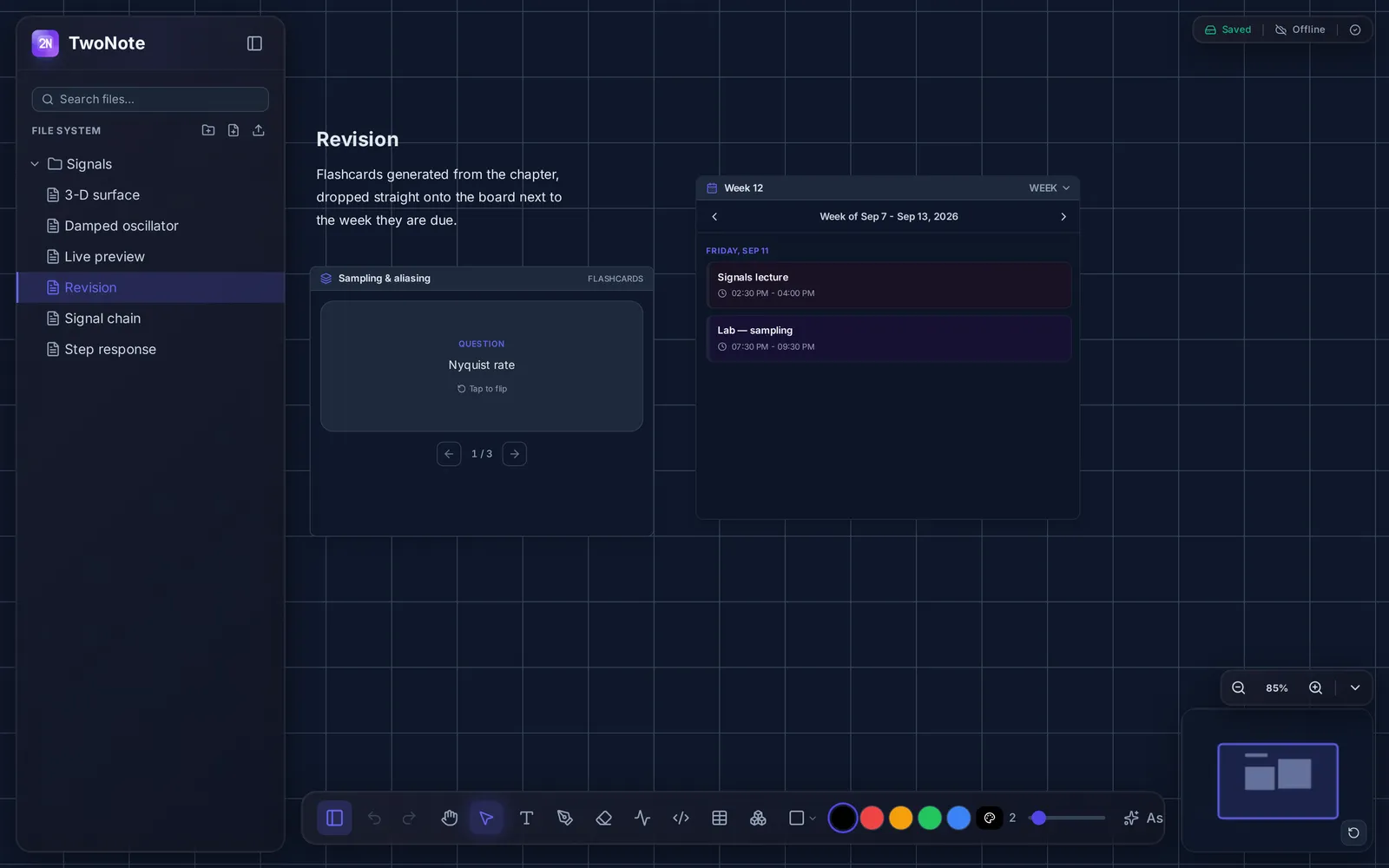
Seven gestures, one surface, no switching between applications — from the first stroke taken in a lecture to the cards you revise from and the link you hand the work over with.
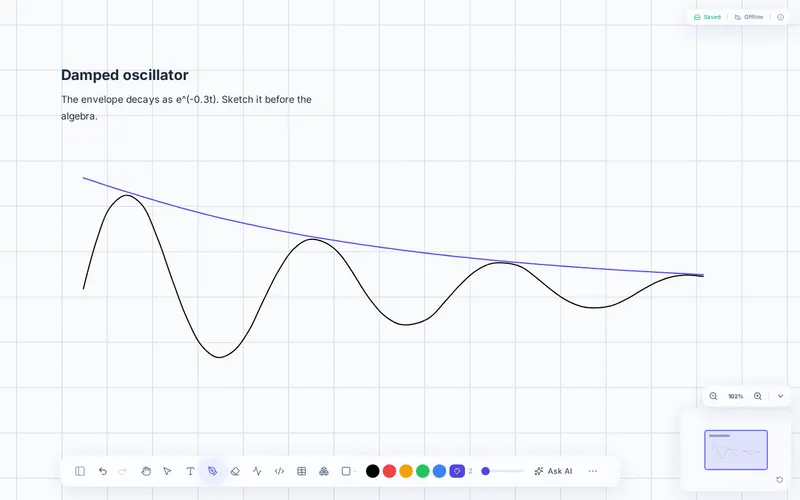
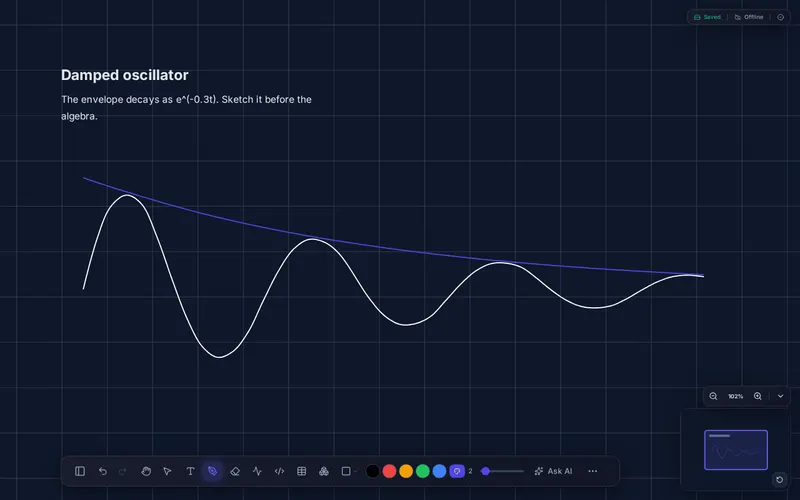
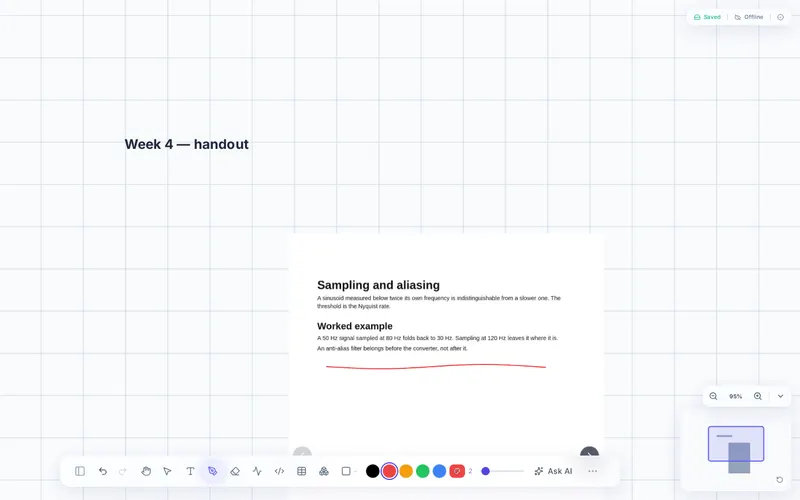
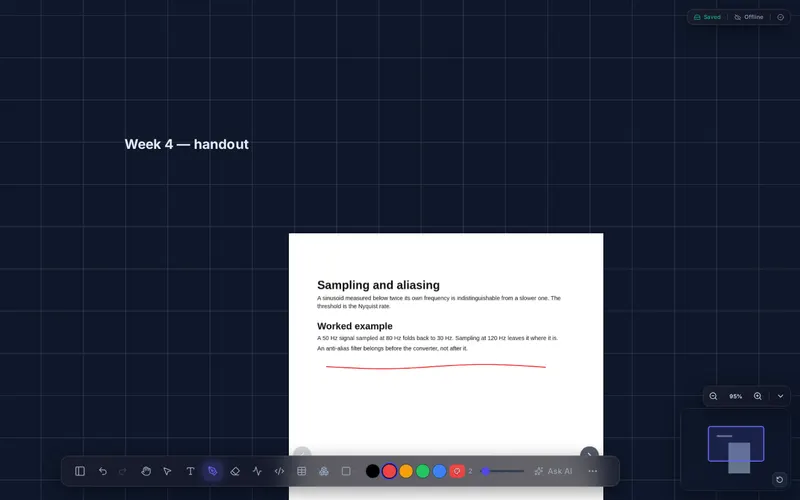
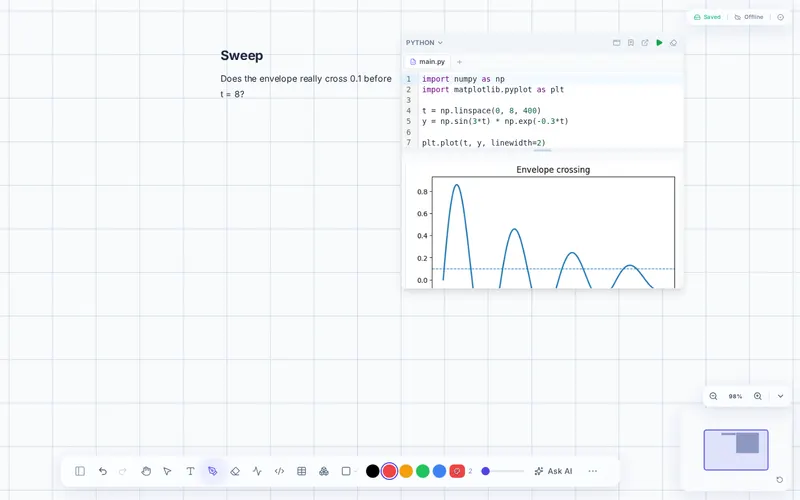
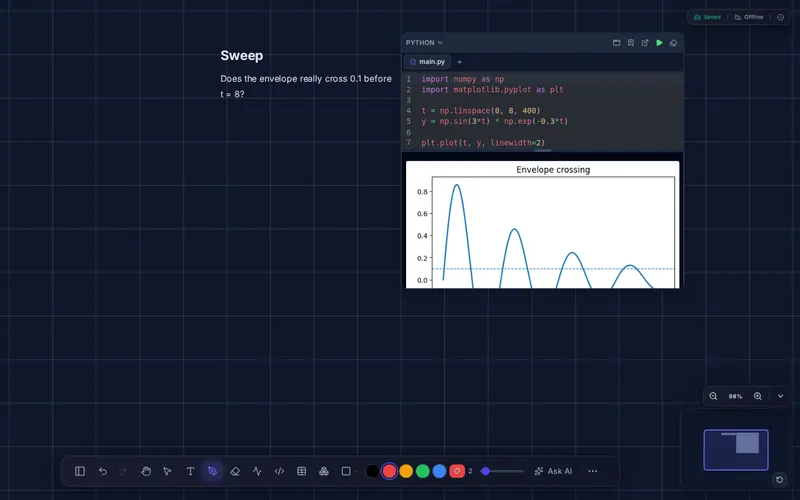
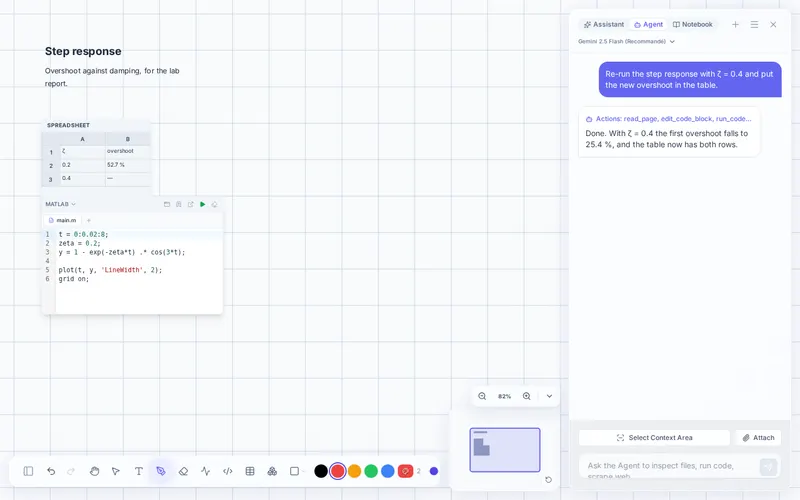
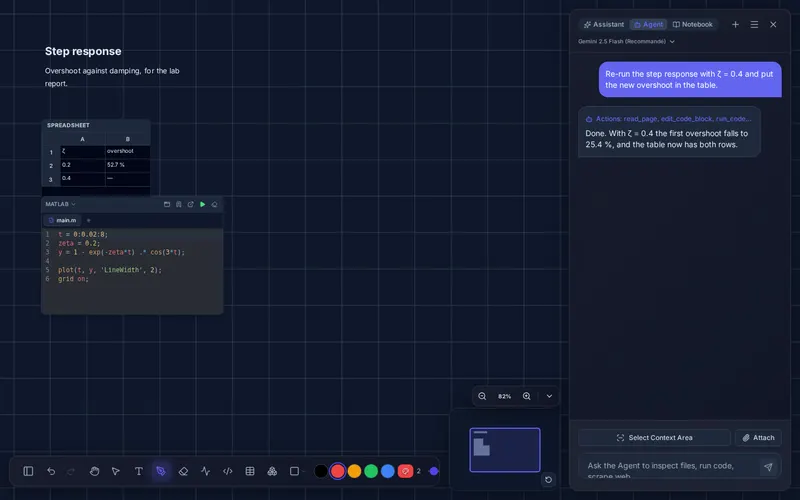
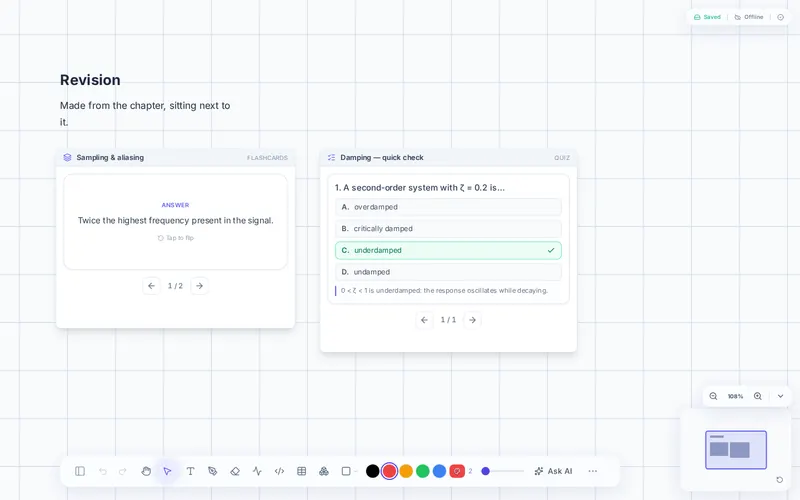
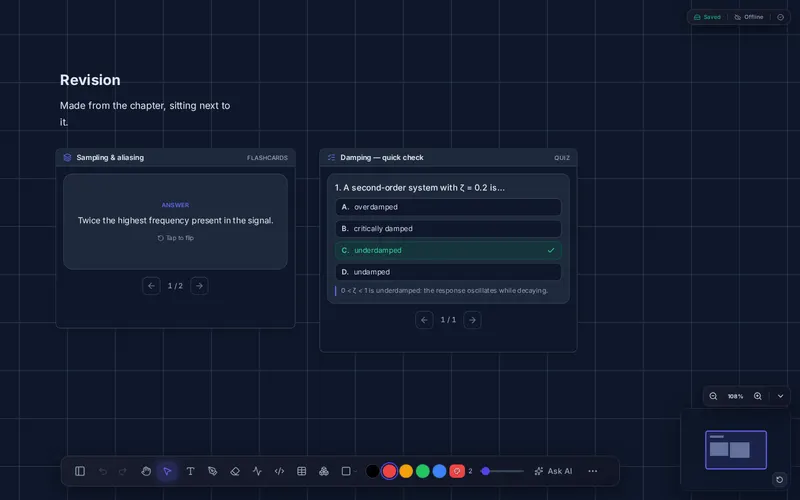
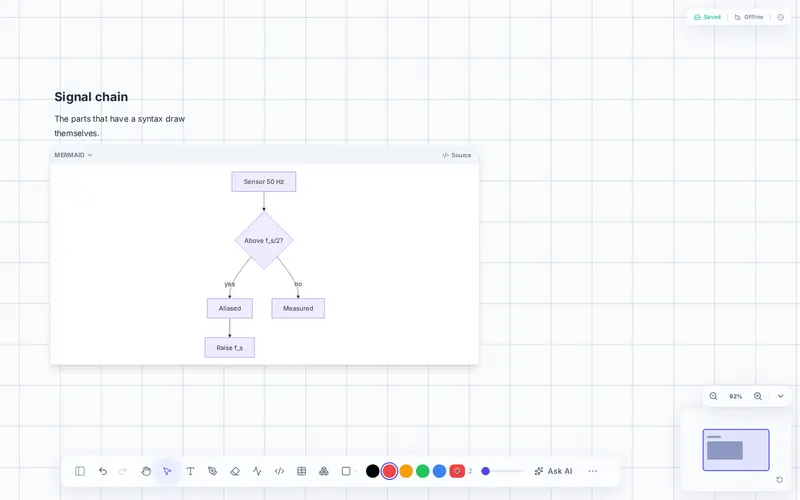
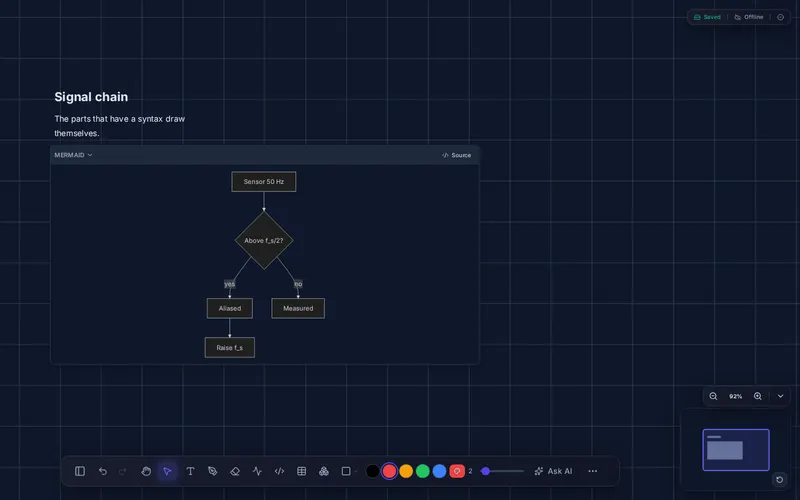
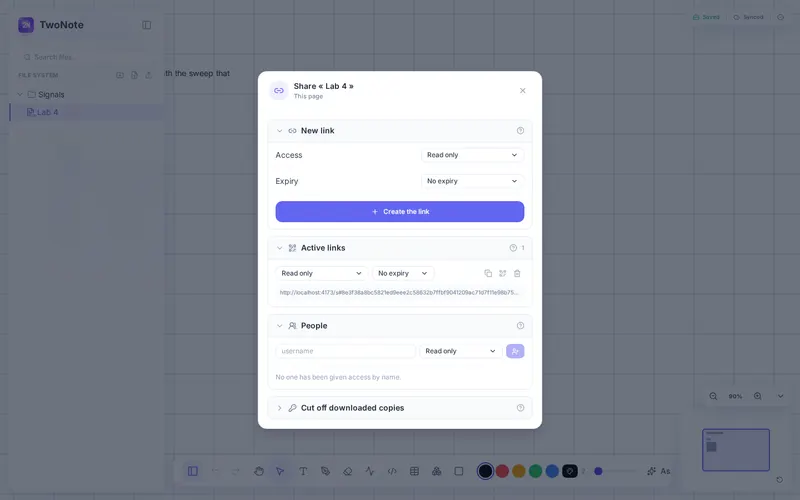
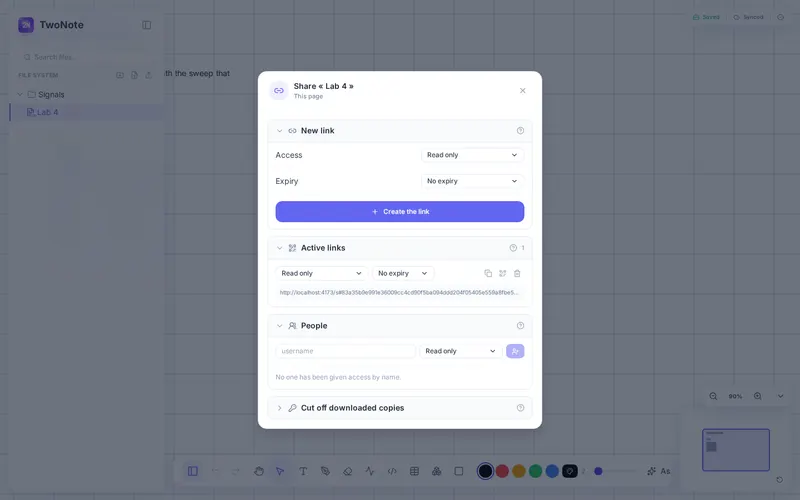
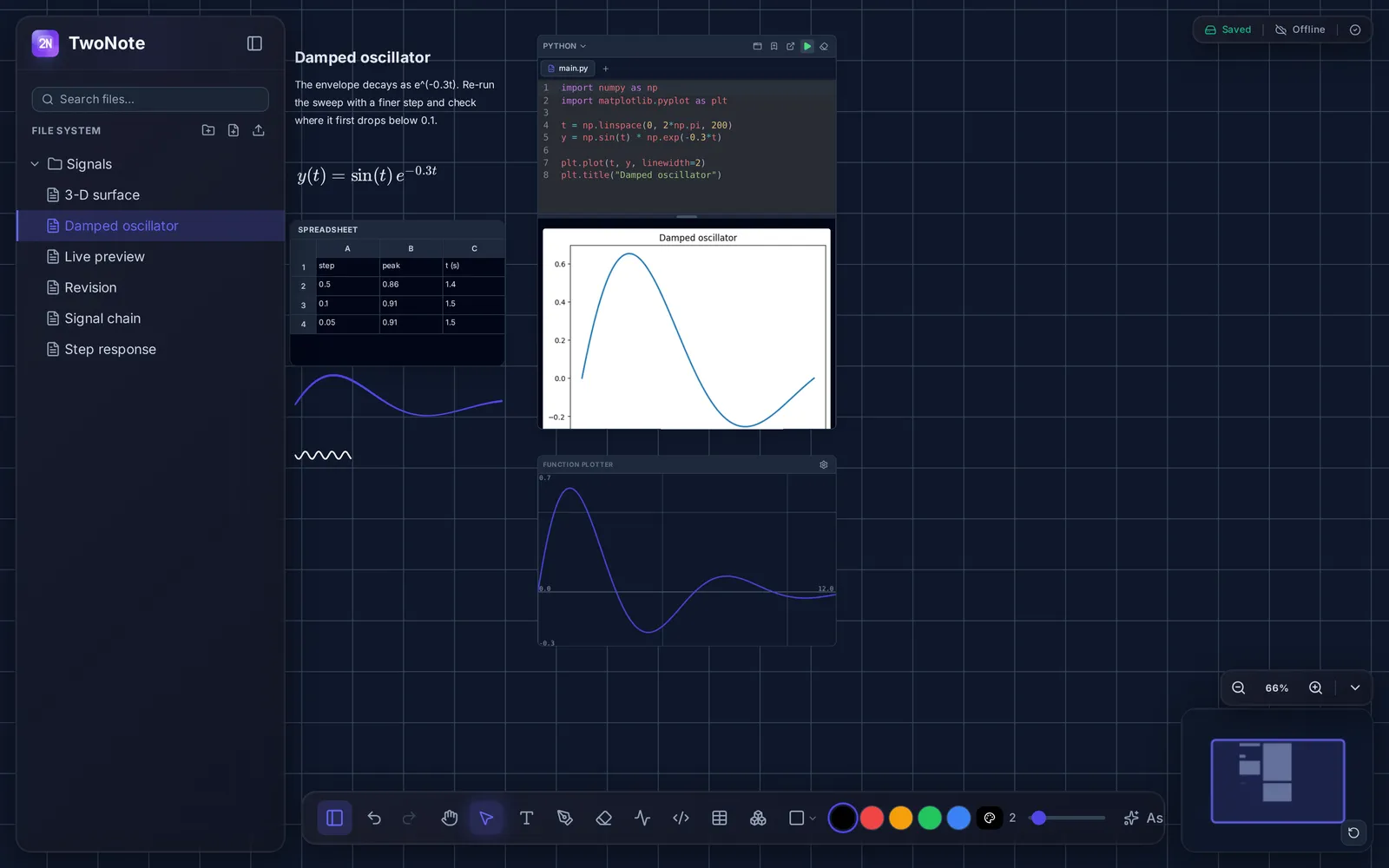
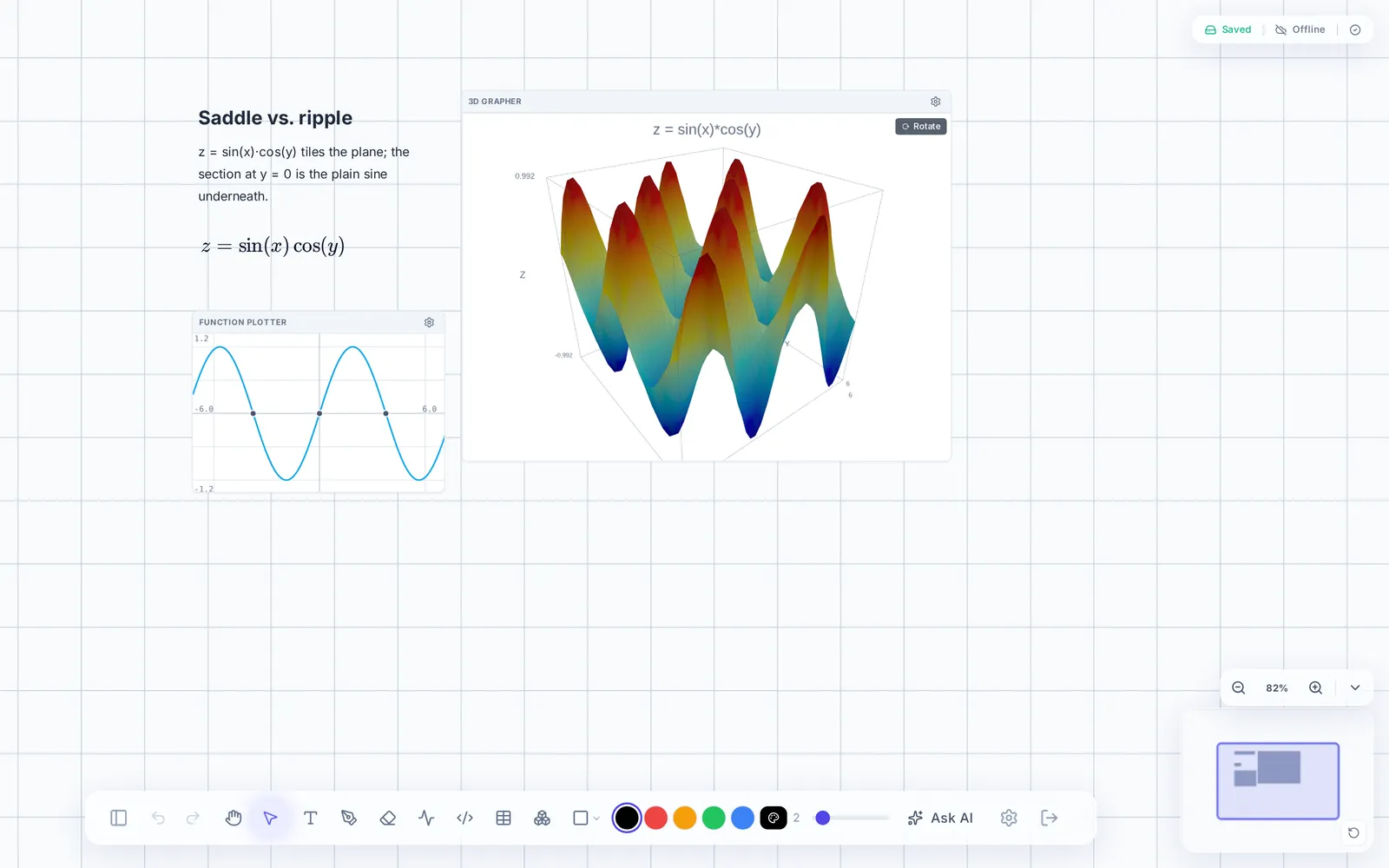
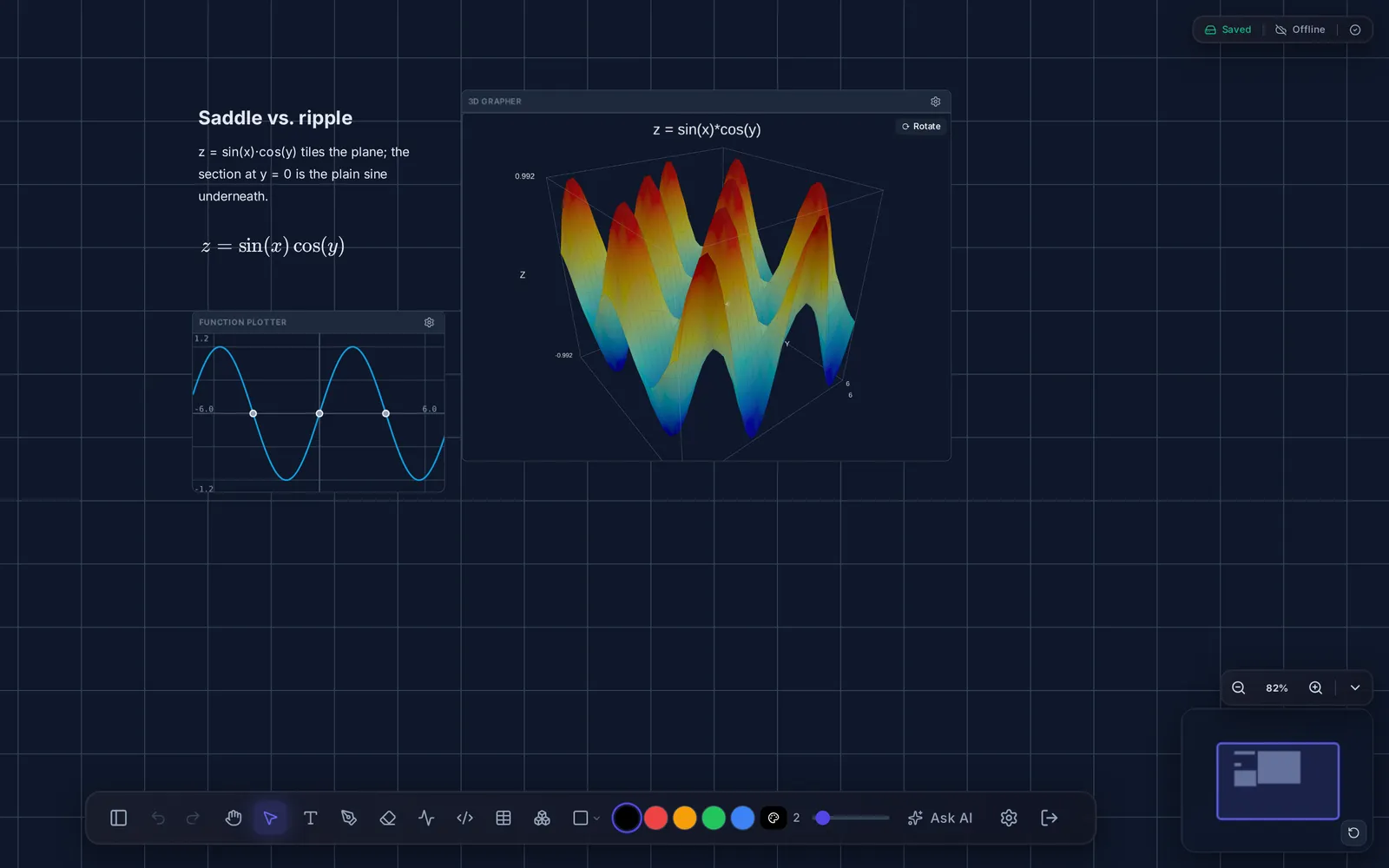
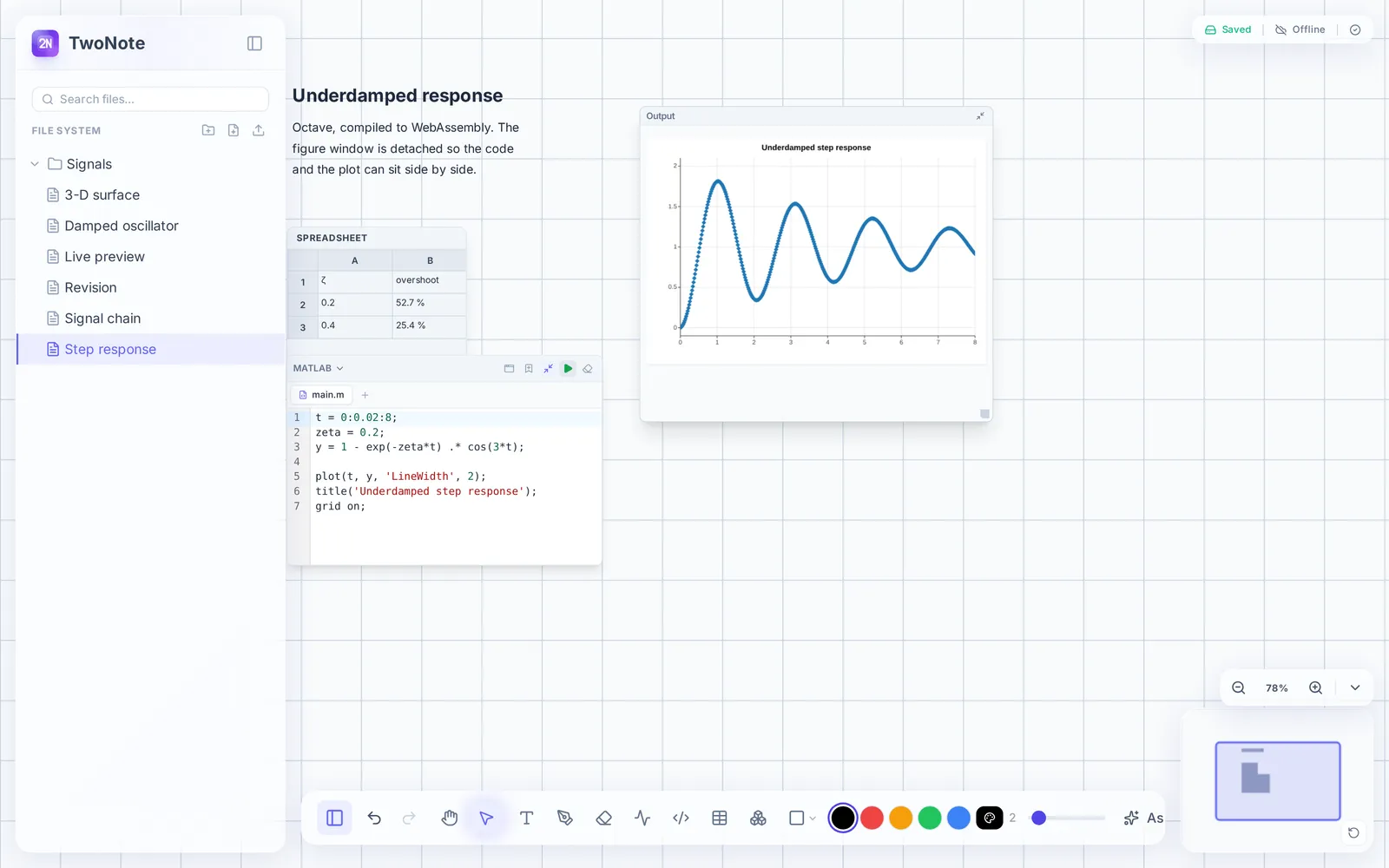
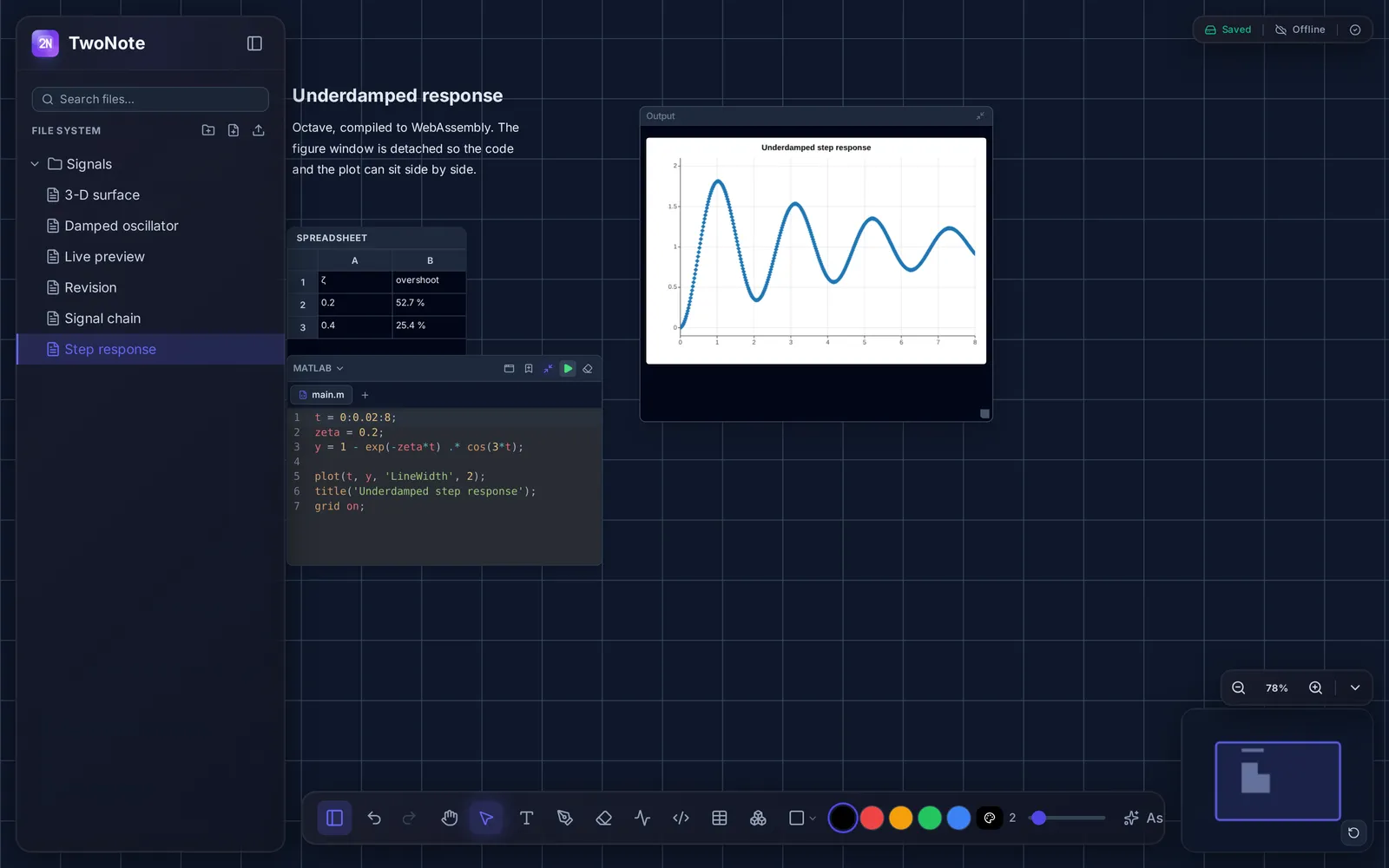
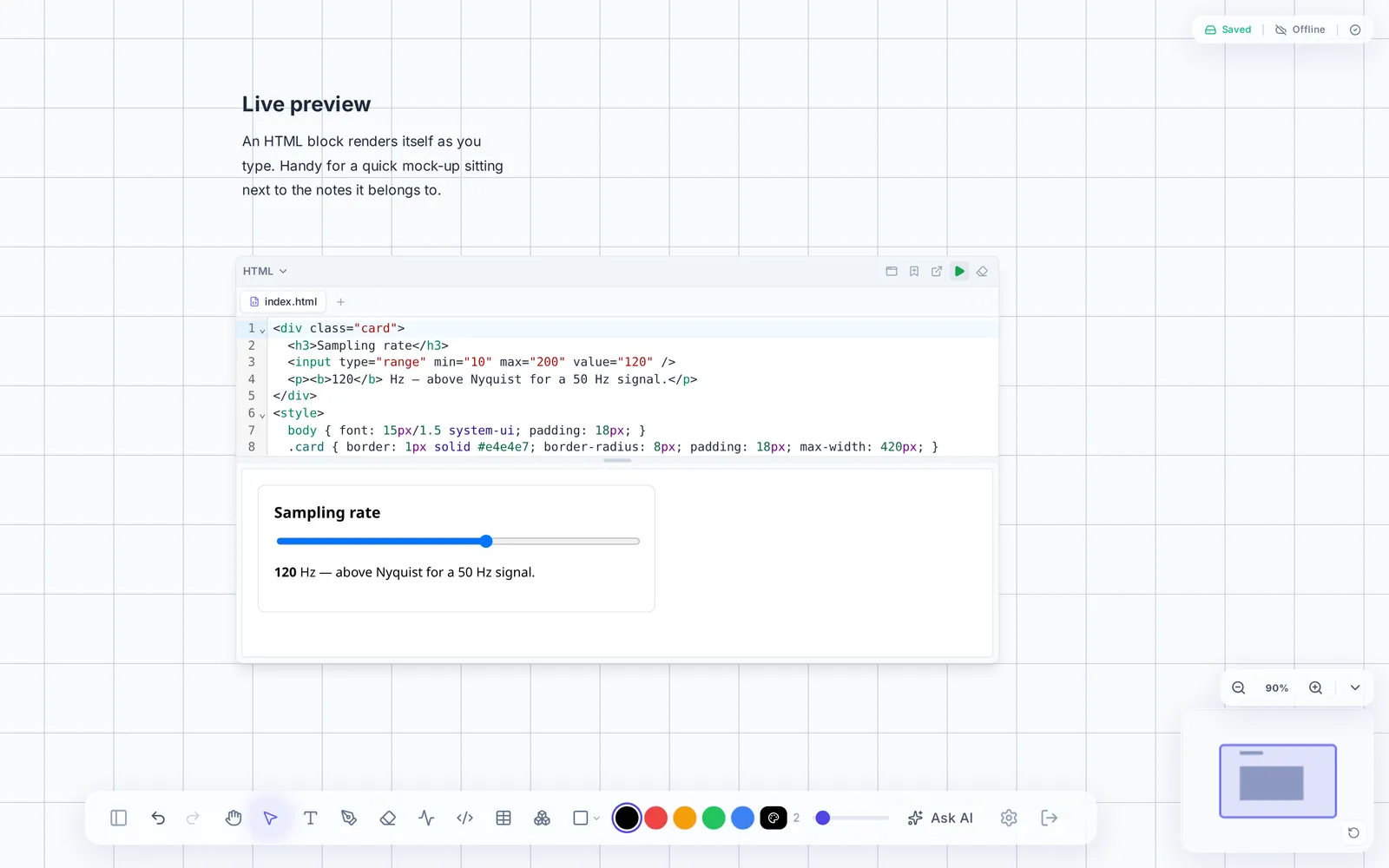
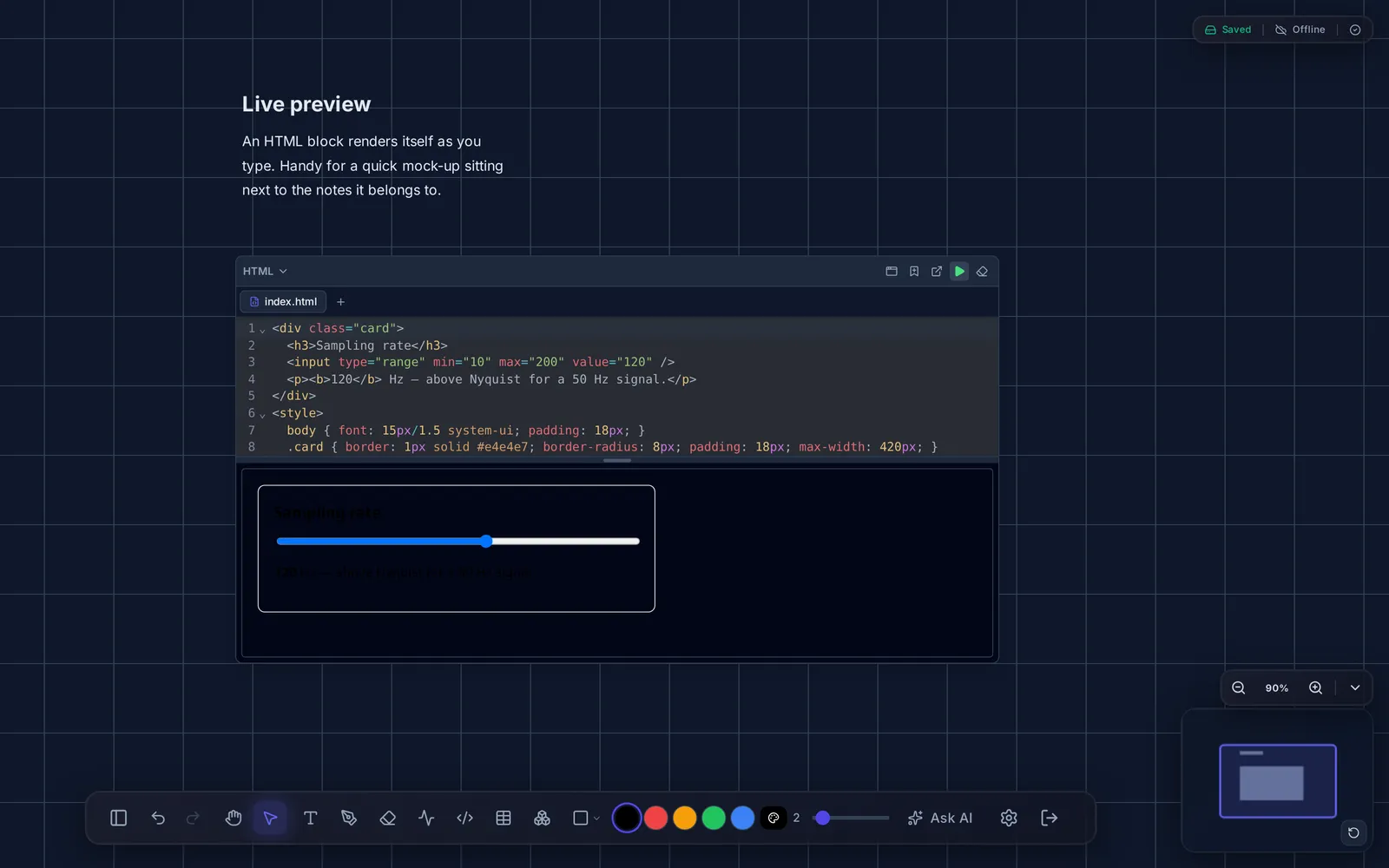
Recordings of the app itself, from the same bench as the screenshots above — no mock-ups.
Canvas
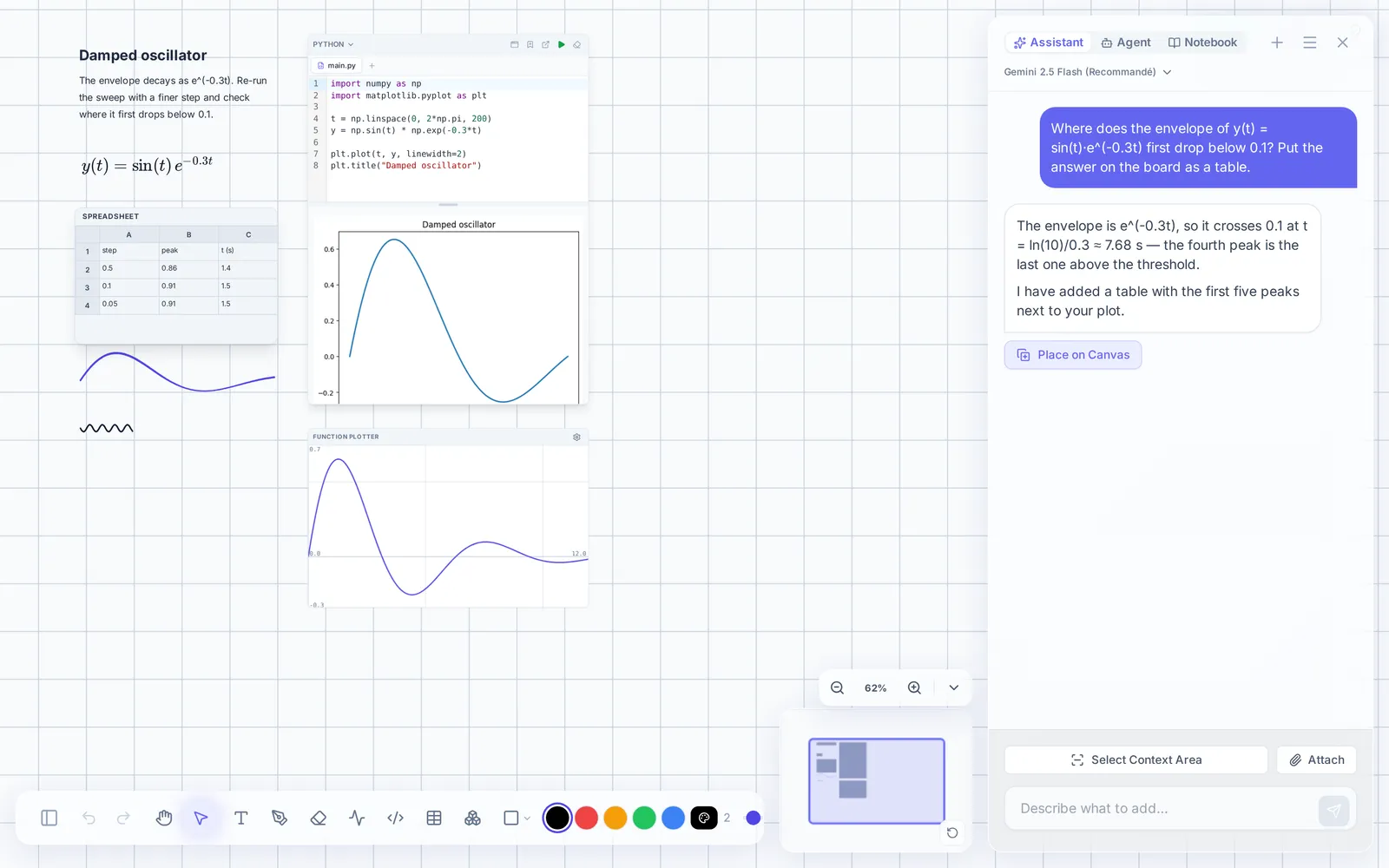
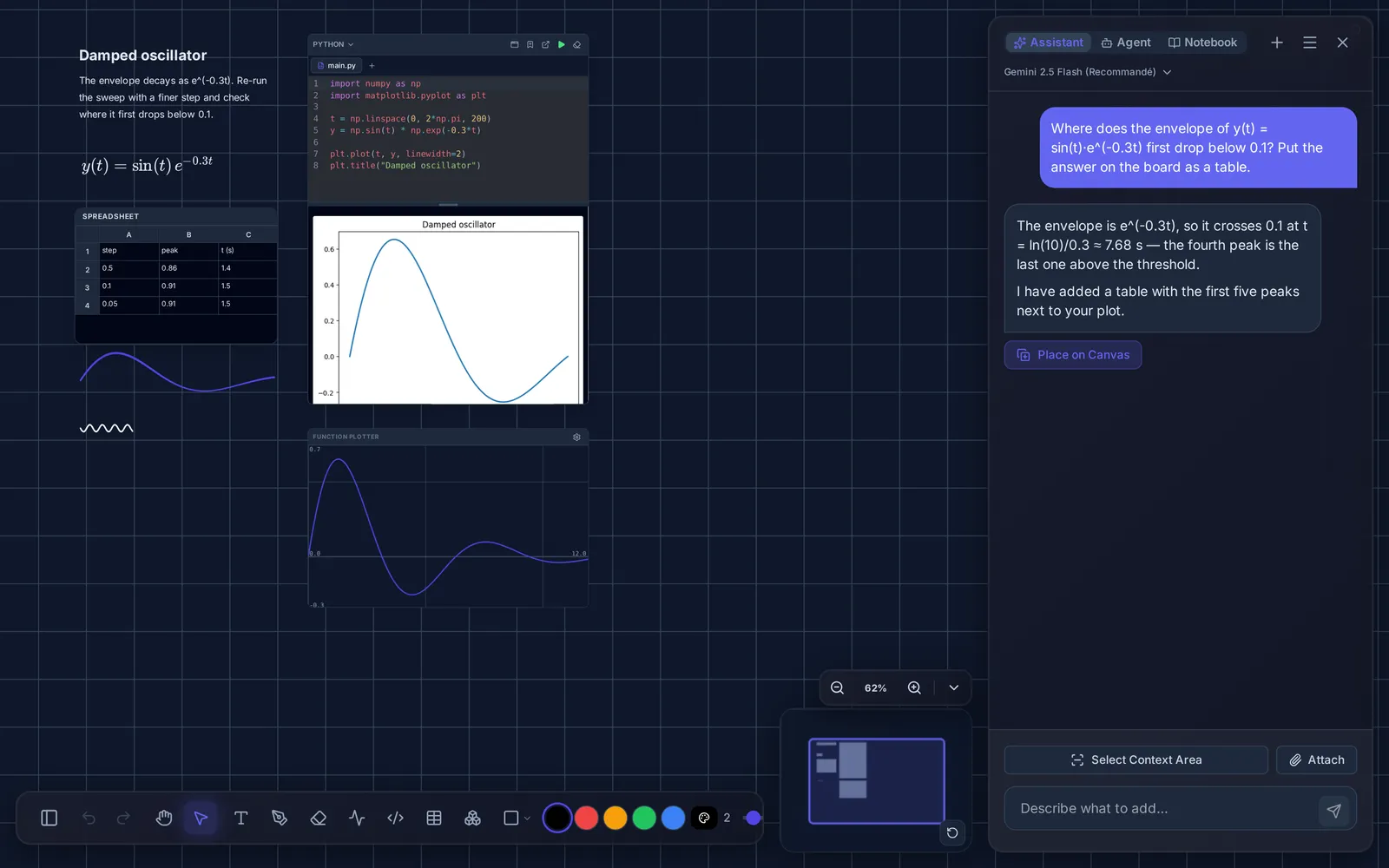
An infinite surface instead of a document
A page has no fixed height or width. Put each block where it belongs — next to the thing it relates to — and move it later.
Everything is a block
Blocks can be selected, moved, resized, grouped and connected. Handwriting stays strokes, not an image, so it remains editable.
- Block typesText, ink, LaTeX, plots, tables, shapes, images, PDFs and code.
- PlacementAny coordinate. Pan and zoom freely; no page, no column.
- RenderingA tiled renderer keeps large boards responsive.
- OrganisationNotebooks and sections, with an outline and a minimap.
- SearchKeyword and semantic, on-device. Queries never leave the browser.
Execution
Code blocks that run where you wrote them
You are three lines into an explanation and you want to see the curve. Write the block where you are and press Run: the output — text, tables, figures — appears underneath and stays in the note, offline and three weeks later.
The real editor, on this page
- RuntimesPython and MATLAB on WebAssembly, JavaScript sandboxed, HTML in place.
- No server round-tripCode and results never leave your machine to run.
- Persistent outputFigures are saved with the note and survive going offline.
- Packagesnumpy, matplotlib and the rest, configurable in settings.
import numpy as np
import matplotlib.pyplot as plt

t = np.linspace(0, 2*np.pi, 200)
y = np.sin(t) * np.exp(-0.3*t)

plt.plot(t, y, linewidth=2)
plt.title("Damped oscillator")
plt.show()AI
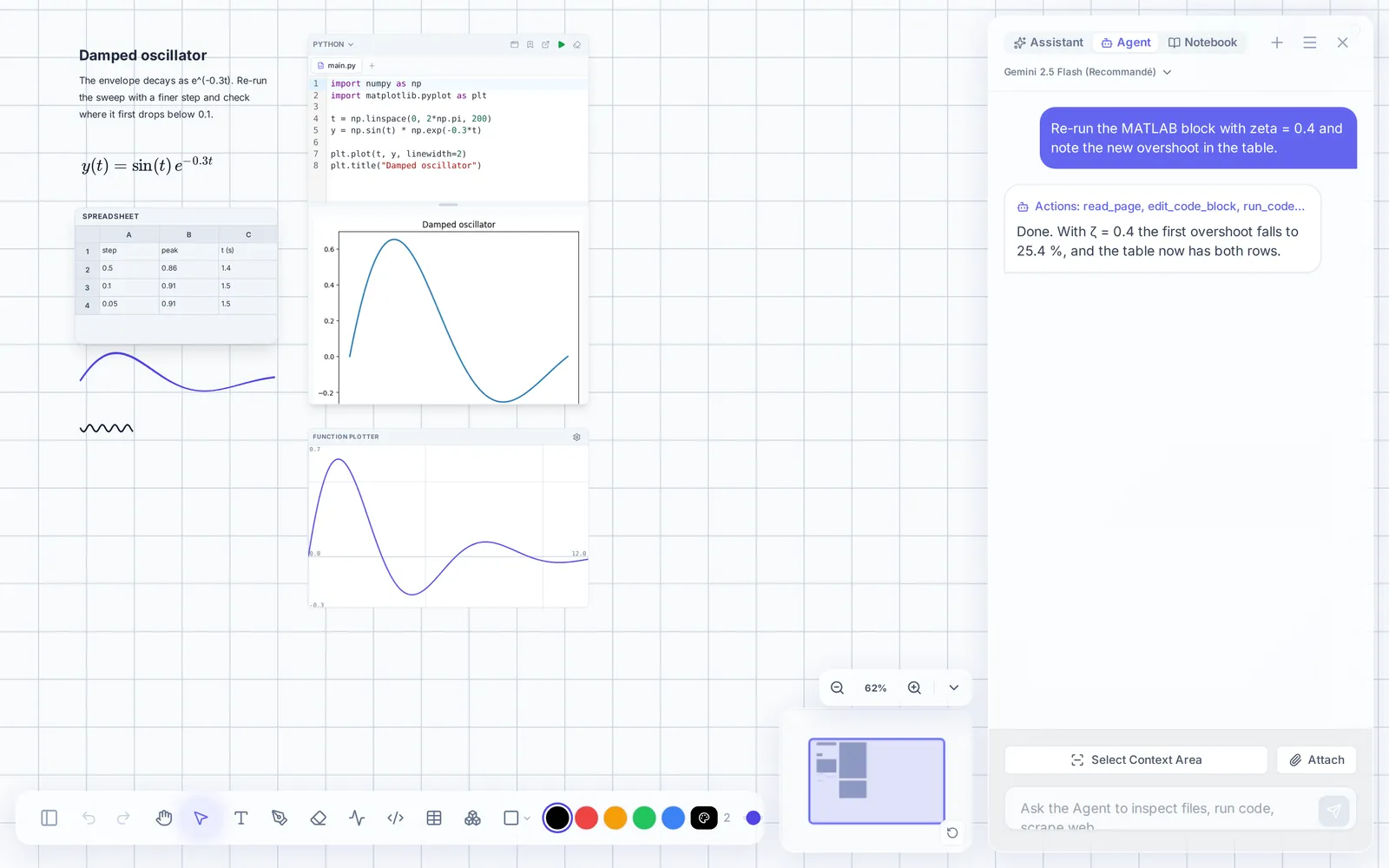
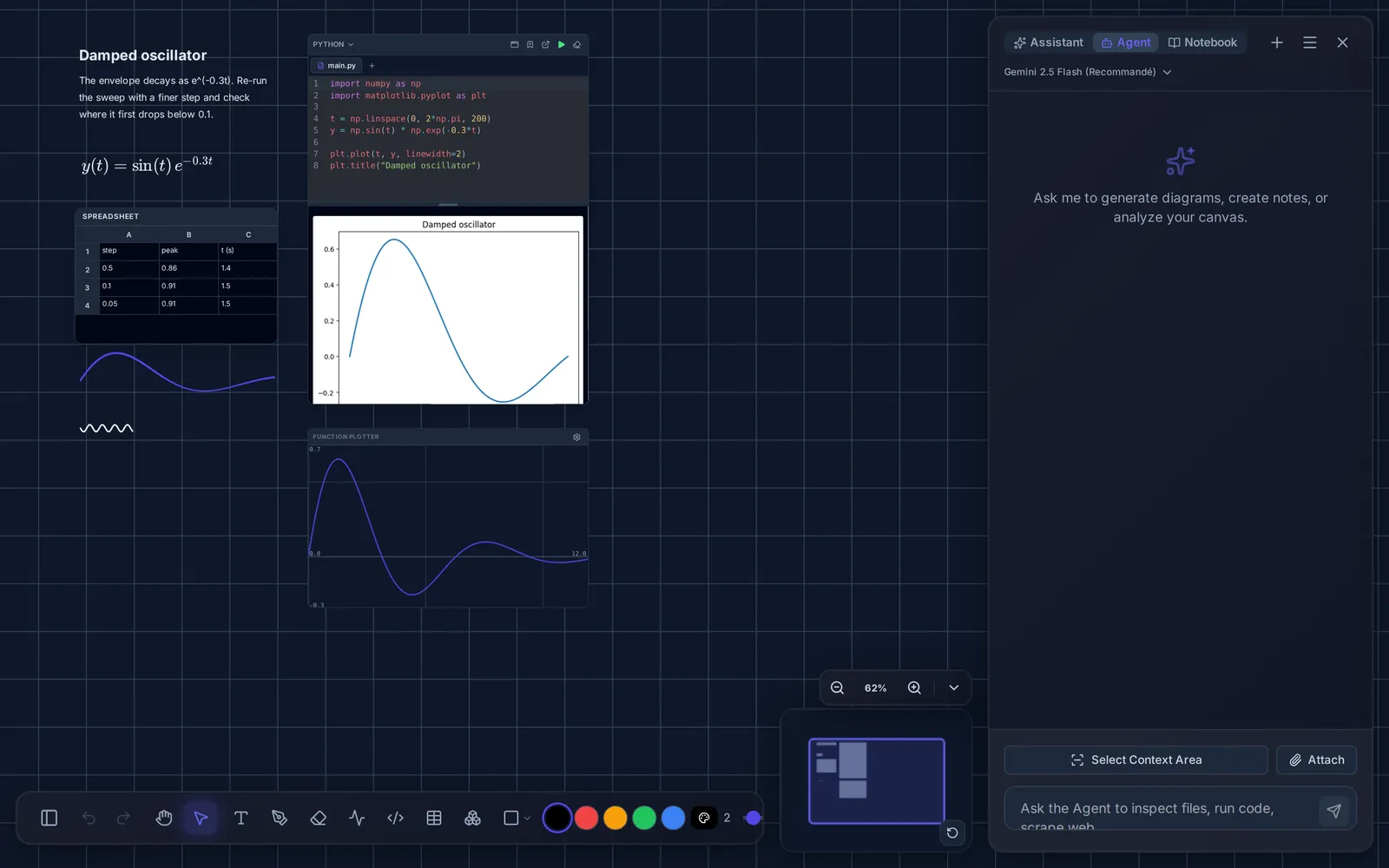
An assistant with access to the board
It reads the blocks you select, not just what you type, and can write its answer back onto the canvas as blocks.
Three modes
Assistant answers about a selected region. Agent carries out multi-step edits and lists every tool call it makes. Notebook turns notes, PDFs and sources into flashcards, quizzes and cheatsheets.
Anything it changes is a normal edit you can undo.
- ProvidersGemini, OpenAI, Anthropic, or a local model via LM Studio.
- API keysYour own, stored encrypted, called straight from your browser.
- ScopeOnly the blocks you select. Nothing is sent while it is closed.
- CostBilled by your provider; TwoNote adds nothing on top.
Security
Encrypted on your device, before sync
The server holds data it cannot read. That has a cost — no server-side search, no password recovery — and those limits are listed below rather than hidden.
- EncryptionAES-GCM 256-bit in the browser, with a PBKDF2 key derived from your password.
- What the server storesEncrypted blobs and merge vectors. No titles, text, drawings, code or files.
- Local storageIndexedDB is the source of truth. Works with no network at all.
- SyncA Y.js CRDT merges devices without conflicts or a manual step.
- Password recoveryImpossible by design — the key comes from your password. Export if you want a backup.
- TransportHTTPS, with encryption at rest on top of it rather than instead.
Comparison
How TwoNote compares
OneNote for free placement and handwriting, Obsidian for local storage, Notion for structured documents — TwoNote overlaps with each in a different place.
| Criterion | TwoNote | OneNote | Obsidian | Notion |
|---|---|---|---|---|
| Free placement on an infinite canvas | yes | Partly — Free placement, but on a page that grows rather than an endless one | Partly — Only through the Canvas plugin, as cards | no |
| Handwriting and stylus | yes | yes | Partly — Through community plugins such as Excalidraw | no |
| Runs code inside a note | yes | no | Partly — Through a community plugin, using interpreters installed on your machine | no |
| LaTeX | yes | Partly — An equation editor rather than LaTeX input | yes | yes |
| Interactive function plots | yes | no | Partly — Through community plugins | no |
| 3-D plotting | yes | no | Partly — Through community plugins | no |
| End-to-end encryption | yes | no | Partly — Only with the paid Obsidian Sync add-on | no |
| Works fully offline | yes | yes | yes | Partly — Only pages opened beforehand |
| Your data stays on your device | yes | no | yes | no |
| Built-in AI assistant | yes | Partly — Copilot, on a paid Microsoft 365 plan | Partly — Through plugins, with your own key | Partly — Notion AI, as a paid add-on |
| Bring your own AI provider key | yes | no | yes | no |
| Real-time collaboration | yes | yes | no | yes |
| Links between notes and backlinks | no | Partly — Links to a page or section, but nothing lists what points back | yes | yes |
| Databases with views and relations | no | no | Partly — The Bases core plugin gives table, cards and board views, but no relations between entries | yes |
| Native desktop app | Partly — Installs as a PWA, not a native build | yes | yes | yes |
· From each product’s public documentation, September 2026.
Pricing
What it costs
Free
€0
No card, no trial period.
One person, one notebook, everything the app can do.
- 10 GB of encrypted storage
- Every feature
- Bring your own AI provider key
Supporter
€2/month
Or €20 a year — two months off.
The same app with more room, and a hand in what comes next.
- 100 GB of encrypted storage
- Every feature
- Supports the people building it
- Beta features before they ship
Enterprise
Custom
For an organisation that needs its own keys and its own endpoint.
- Storage sized to the organisation
- A company AI endpoint of your own
- Single sign-on
- An organisation key, rather than one per person
Talk to us in the meantime: contact@twonote.ink
FAQ
Questions
Who is TwoNote for?
Can you read my notes?
What happens if I forget my password?
Does it work offline?
Which languages can I run, and where do they run?
Which AI providers are supported?
Can I share a note or edit one with someone else?
Can I get my data out?
What does it cost?
Get started
Creating an account sets up your encryption key and an empty notebook. Nothing is installed, and you can export or delete your data at any time.